Before: messy saved video. After: dinner you can cook.

From Reel to recipe in seconds.

Stop pausing videos, zooming into captions, or saving screenshots you never use. Share the source into Recipe Grab and get a structured recipe back.

  • TikTok
  • Instagram
  • YouTube
  • Web
  • Photos

Built for the messy cases: hashtag captions, broken links, and handwritten cards.

A skillet of finished one-pan chicken pasta with garlic butter
LiveTikTok · 0:47
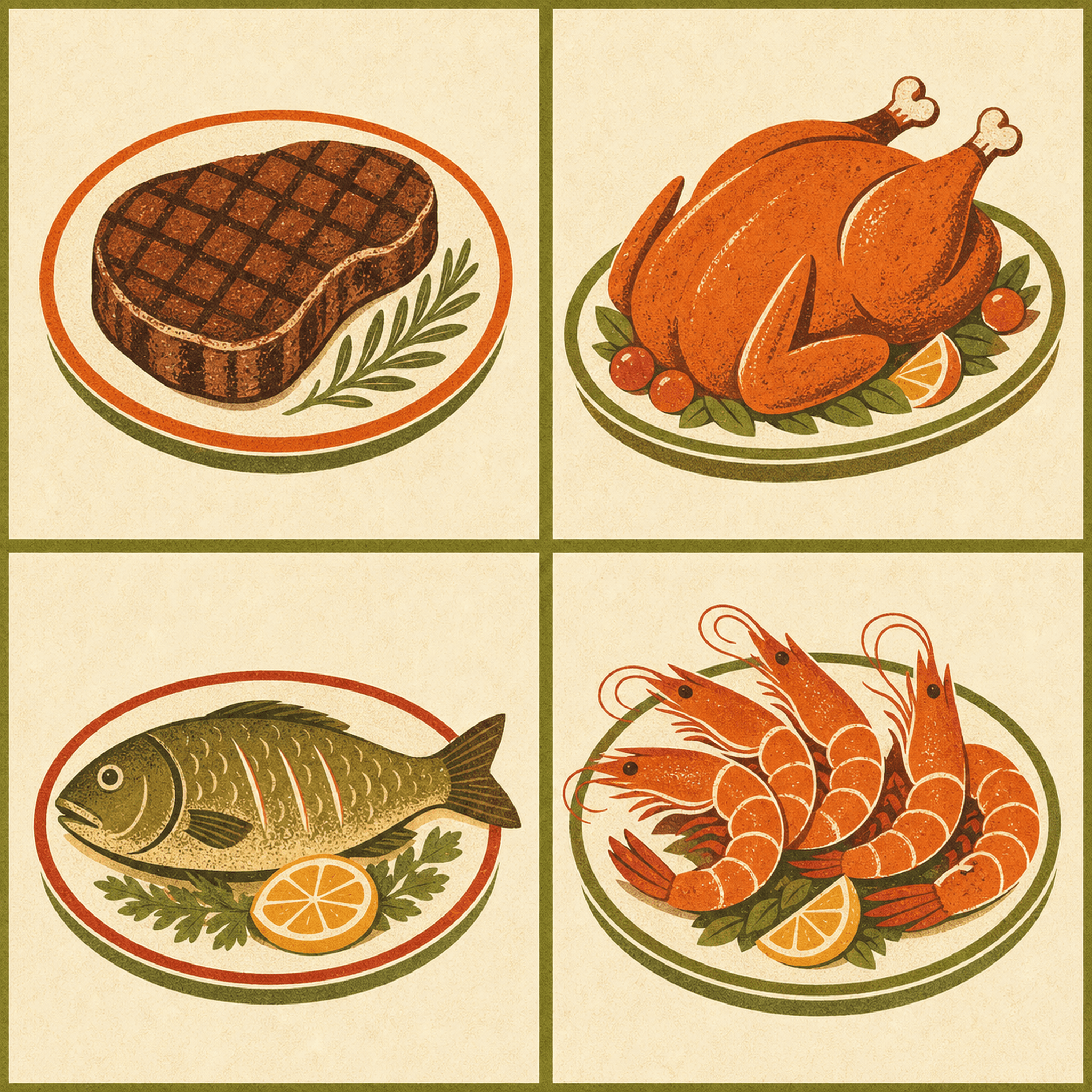
Vintage cookbook illustration: roast chicken and grilled steakItalian

One-pan chicken pasta with garlic butter

28 minServes 4612 kcal

Ingredients

  • Chicken thighs500 g
  • Penne pasta300 g
  • Garlic, cloves4
  • Butter60 g

Method

  1. 1Cube the chicken thighs and season with salt and pepper.
  2. 2Sear in a hot pan with butter until golden, about 6 minutes.

Works with TikTokInstagramYouTubeWebPhotosHandwritten

If you can share it, paste it, or photograph it, Recipe Grab can read it.

Most recipe apps lose recipes. The caption was three hashtags. The link broke. The handwriting was a mess. Recipe Grab handles the messy cases — share a video, a link, a photo, anything — and you get a real recipe on your phone, ready to cook.

The four moves

Import. Cook. Plan. Shop.

A small, sturdy app that does these four things very well — and nothing else.

Import

01

Share. Wait a second. Done.

Hit the iOS share sheet from any cooking video or recipe page. Recipe Grab pulls the title, the ingredients with quantities, the steps, and even how long each step actually takes — then files it in your library, tagged by cuisine.

From a 47-second Reel to a real recipe.
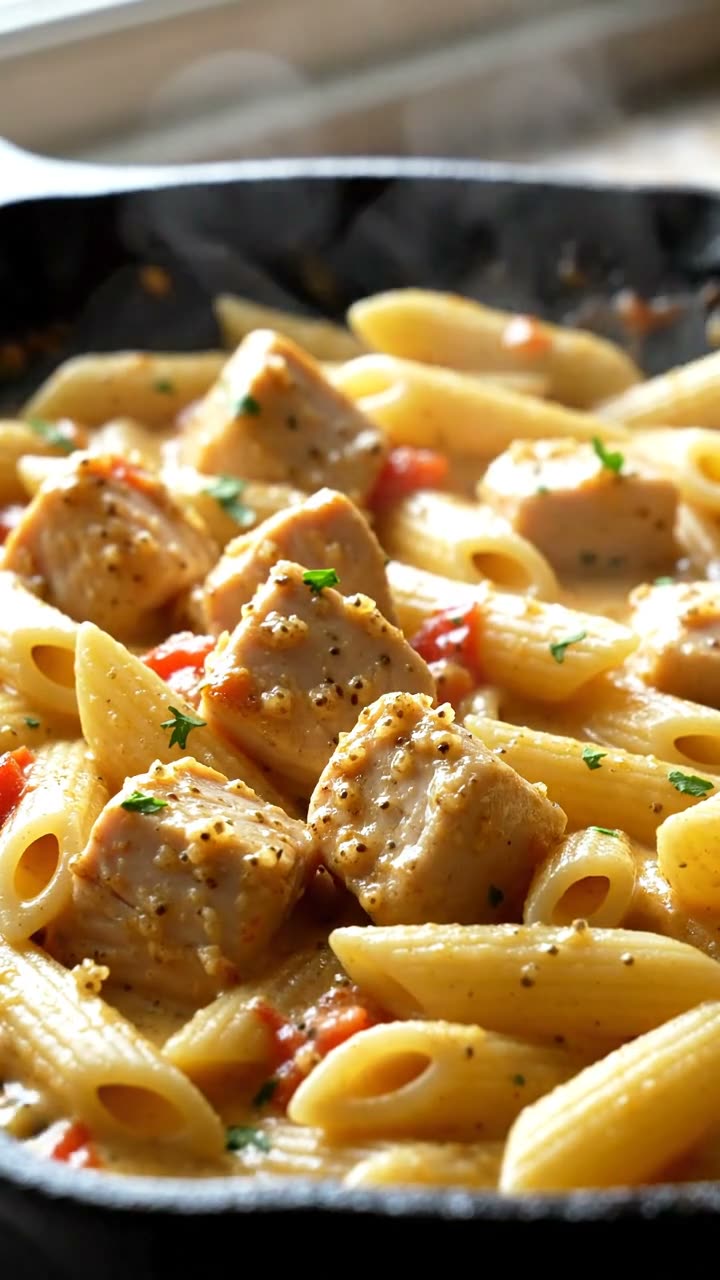
A skillet of finished one-pan chicken pasta with garlic butter
LiveTikTok · 0:47

Cook

02

A teleprompter that doesn’t lock.

Cooking mode walks you through the steps one at a time on a screen that stays bright, with timers that run in Live Activities. Greasy hands, no problem — your iPhone won’t fall asleep mid-sear.

Step three of six. The screen stays awake. So can you.

Cooking mode Live

Step

3 / 6

Timer

06:00

Sear the chicken in butter until golden, about 6 minutes per side.

Screen stays awake

Plan

03

A week of dinners, in five taps.

Slot recipes into the meal planner and Recipe Grab does the math — daily calories, scaled portions, leftovers carried over. Edit, drag, or wipe a day clean without losing the rest of your week.

Four people. Five nights. One plan.

Week of May 185 nights planned
Mon
Tue
Wed
Thu
Fri
Sat
Sun

Daily cal

2,100

Servings

4

Leftover

2x

Shop

04

One list, ordered by aisle.

Add a recipe to your grocery list and Recipe Grab merges duplicates, converts units, and sorts the result the way a supermarket is actually laid out. Check items off as you go; the rest stay put.

“Two cloves” plus “one bulb” equals one entry.

Grocery list3 / 8 packed

Produce

  • Garlic, cloves5
  • Yellow onion2
  • Parsley, bunch1

Dairy

  • Butter, unsalted120 g
  • Parmesan, block80 g

Pantry

  • Penne pasta500 g
  • Olive oil

FAQ

Honest answers.

No marketing wiggle.

Does it work without internet?

The cooking mode, the library, search, scaling, and your grocery list work fully offline — that’s all on-device. Importing a video or a web page needs a connection, because that’s the moment we go fetch the recipe. After import, the recipe lives on your phone.

What videos work?

TikTok, Instagram Reels, YouTube Shorts, full YouTube videos, recipe websites, photographs of cookbooks and handwritten cards, and pasted text. If the source doesn’t actually contain a recipe, we’ll tell you — we won’t fake one.

Is my data private?

Yes, and we mean it specifically. We don’t run accounts. We don’t use IDFA. We don’t show ATT prompts. We don’t sell or share data. The recipes you save live on your iPhone, and — if you turn on iCloud — in your own private iCloud container. The full breakdown is in the Privacy Policy.

Do you support Android?

No. Recipe Grab is iPhone-only and will stay that way. The whole import pipeline depends on Apple’s on-device speech and language models — porting it to Android would mean rebuilding the very thing that makes the app good.

How much does it cost?

Free to download, with most things free out of the box. A few features sit behind a paywall — current pricing is shown on the App Store and inside the app the first time you reach it. All purchases go through Apple; refunds via reportaproblem.apple.com.

Does it work with handwritten recipes?

Yes. Snap a photo of grandma’s card or a cookbook page and Recipe Grab will read it with Apple’s on-device OCR, then structure it like any other recipe. Family heirlooms are kind of the point.

Stop saving recipes.
Start cooking them.

Download on the App Store

Free to download · iPhone, iPad, Mac, Vision · iOS 18.4 +

The studio

Recipe Grab is made by Hey Labs.

A small independent studio that designs and ships polished tools for iPhone — slowly, deliberately, and only the kind of thing we want on our own home screen.

Visit Hey Labs